Chrome extension
Check any .com from your toolbar
See if a .com is taken, free or about to drop on any page, then appraise it, check its health and audit its past, without leaving the tab.
What it does
-
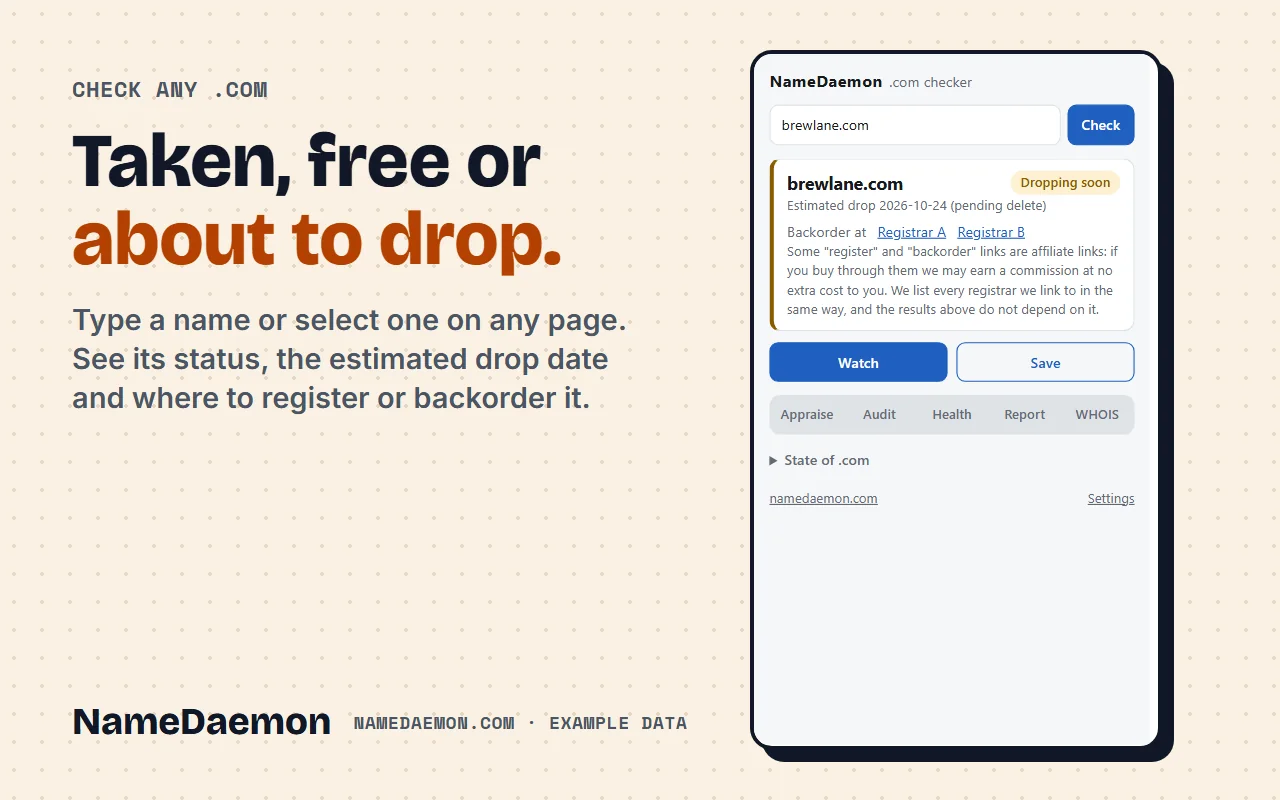
Check any .com
Taken, free or about to drop, with the estimated release date and where to register or backorder it. Type a name, or select one on any page and right-click it.
-
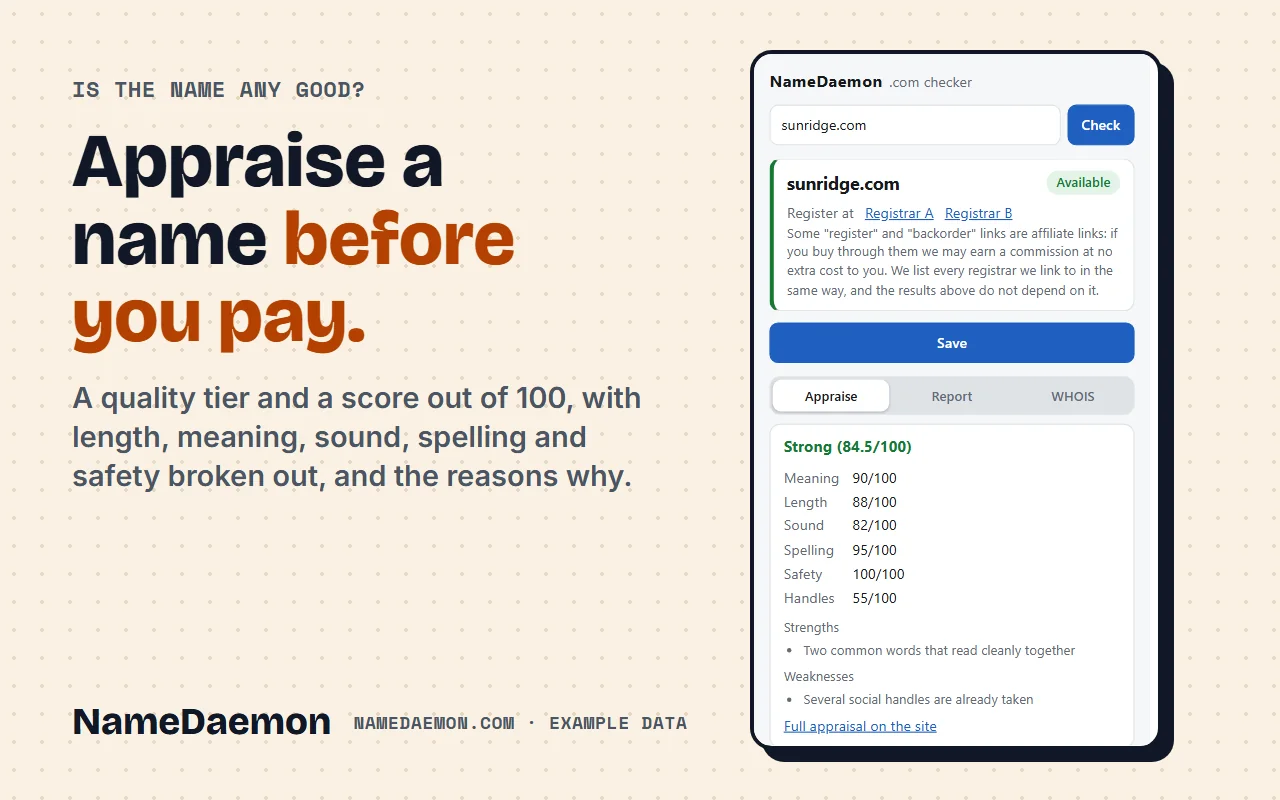
Appraise
A quality tier and a score out of 100 with length, meaning, sound, spelling and safety broken out, and the reasons why.
-
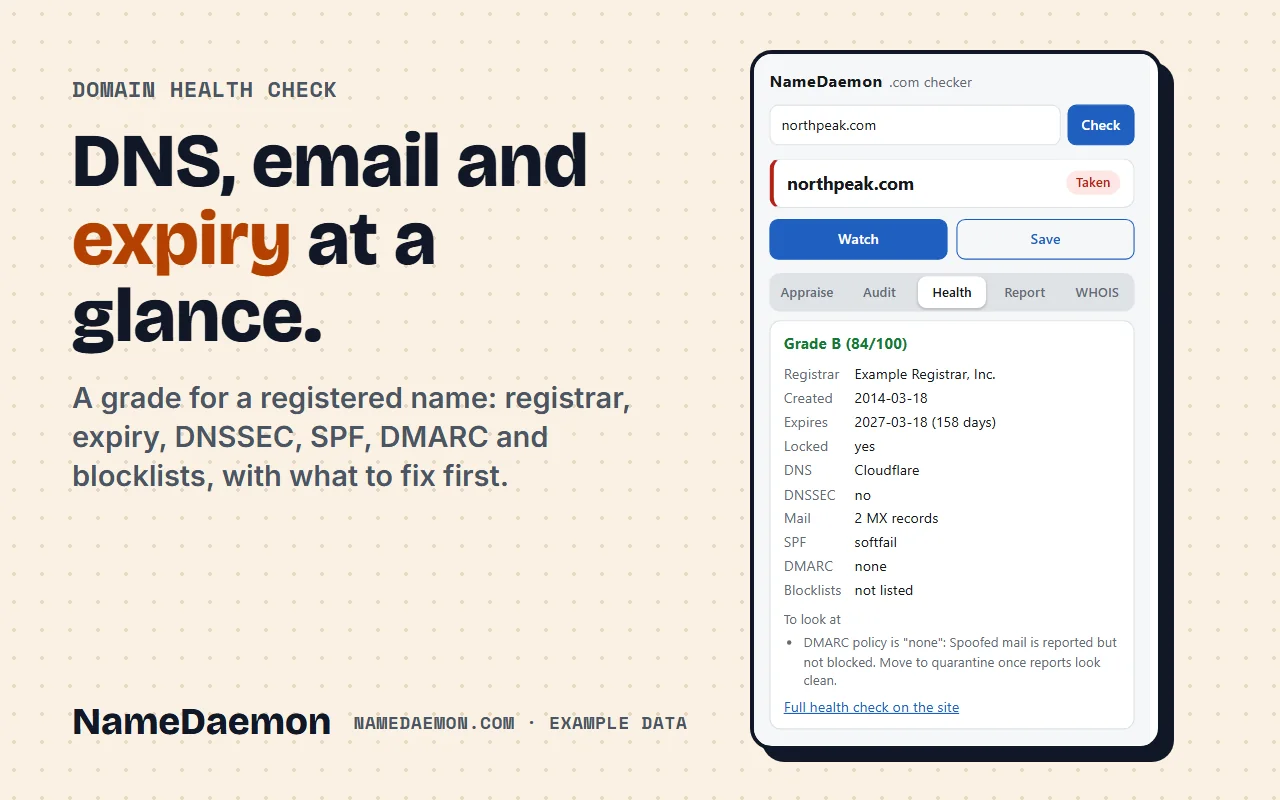
Domain health
A grade for a registered name: registrar, expiry, DNSSEC, SPF, DMARC and blocklists, with what to fix first.
-
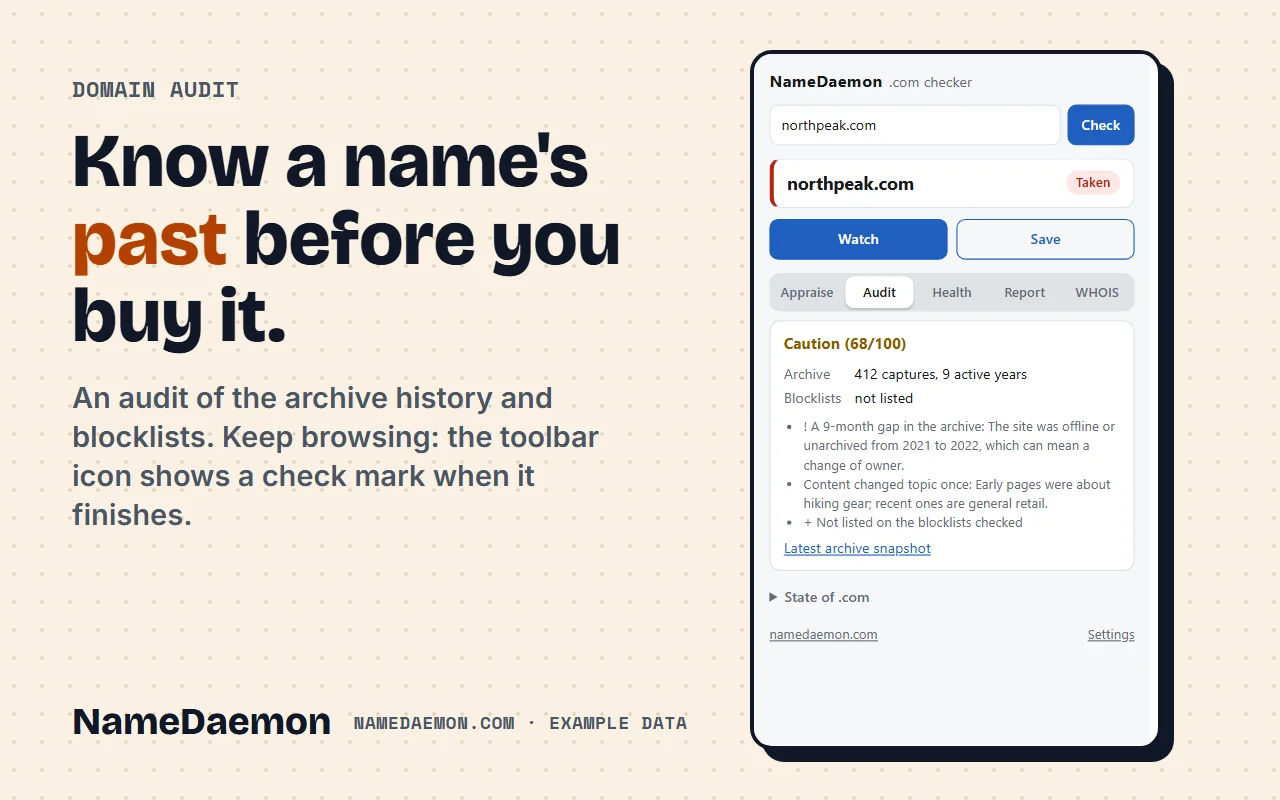
Domain audit
A look at a name's past before you buy it: archive history, blocklists and anything that looks wrong. Keep browsing; the toolbar icon shows a check mark when it is done.
-
Watch and save
Get one email when a name you are waiting for becomes available, and keep a list of names in your browser.
-
State of .com
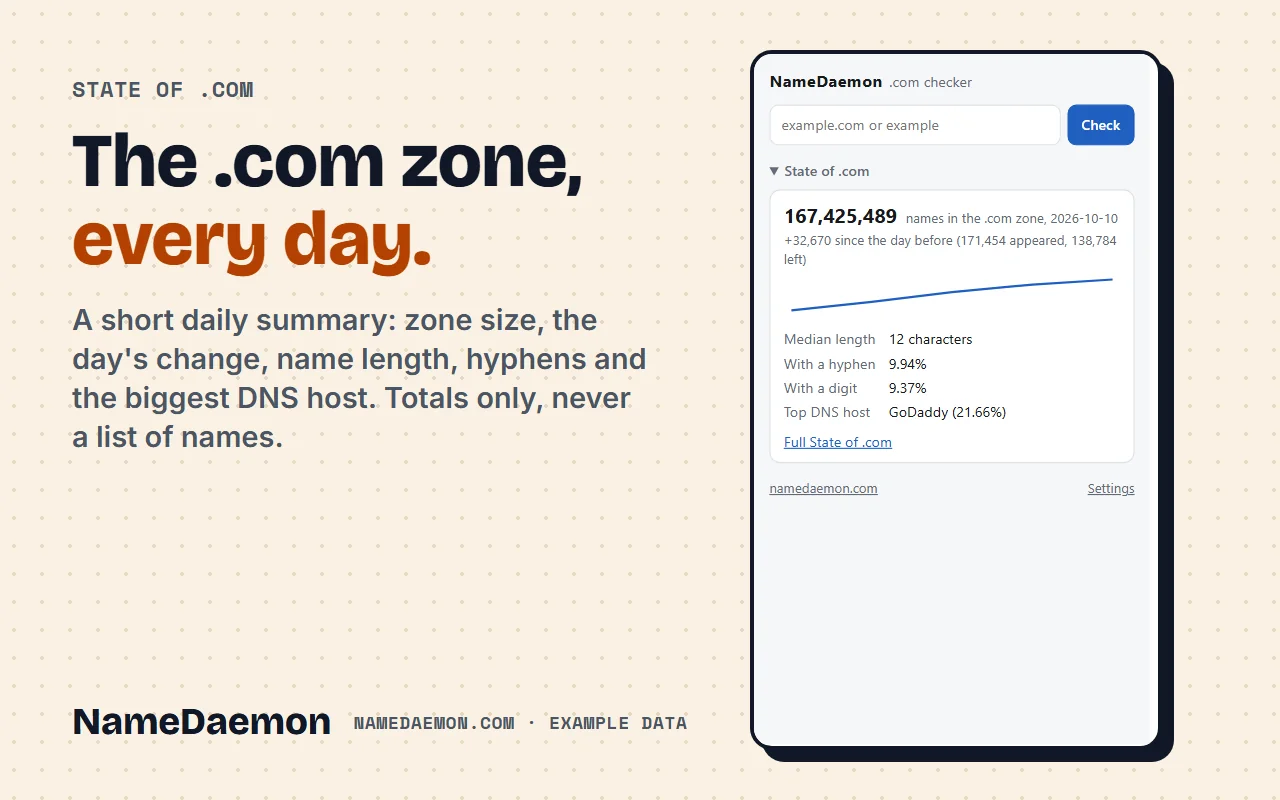
A short daily summary of the whole zone: size, the day's change, name length, hyphens and the biggest DNS host. Totals only, never a list of names.
How it works
Add it to Chrome
One click from the Chrome Web Store. Pin it to the toolbar if you like.
Type or select a name
Open it and type a name, or select one on any page and right-click "Check on NameDaemon".
Pick a tool
Appraise, Health, Audit or Report. Each result stays in its own tab, so switching back costs nothing.
A closer look
What it does with your data
- It sends a name to namedaemon.com only when you press Check or open a tool.
- It does not read the content of pages and does not track your browsing.
- No ads, no analytics. Your saved names stay in your browser.
- Registrar links can be affiliate links, and the extension says so next to them.
Questions
Is the extension free?
Yes. Checking a name, appraisal, health, audit, the report, watching a name and saving names are free and need no account. NameDaemon Pro, which is optional, adds saved names on your account, more watched names and WHOIS look-ups inside the extension.
Which browsers does it work in?
Chrome. It is also installable from the Chrome Web Store in Edge, Brave and Opera, which accept Chrome extensions.
What does it send, and to whom?
Only the .com name you ask about, to namedaemon.com, when you press Check or open a tool. Your email address is sent only if you ask to watch a name. It does not read the content of pages, has no ads or analytics, and does not track your browsing. The address of the current tab is read only to fill the name into the box and is not sent anywhere.
Why does it ask for those permissions?
Active tab, to fill in the name of the page you are on when you open it. Storage, for your saved names and a short cache. Context menus, for the right-click item on selected text. Alarms, so a running audit can finish while the popup is closed. Access to namedaemon.com, because that is where every lookup goes, and nothing else.
Are the results guaranteed?
No. They come from public data and heuristics and can be incomplete or out of date. A name shown as available is not a promise that you can register it: confirm with your registrar first.